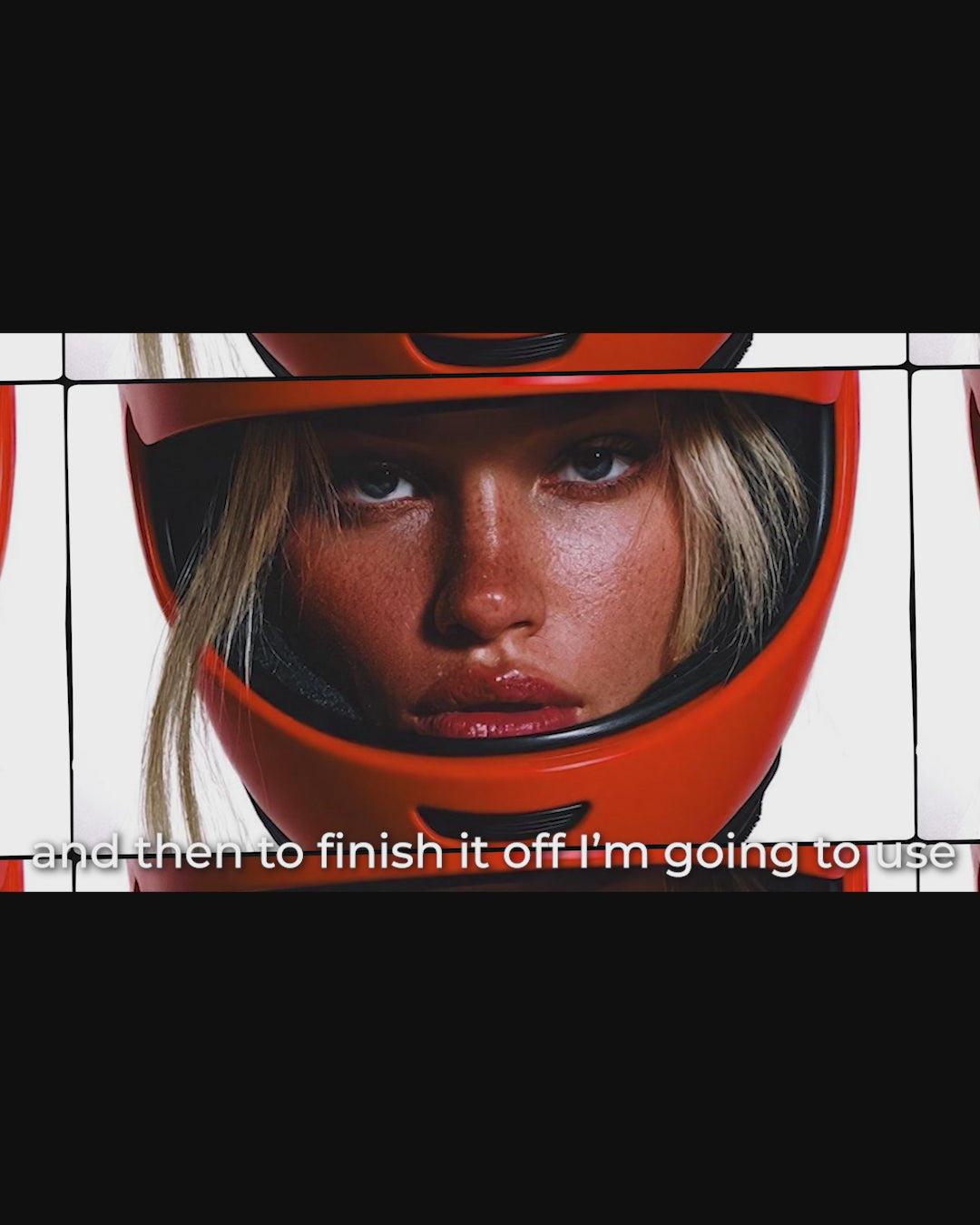
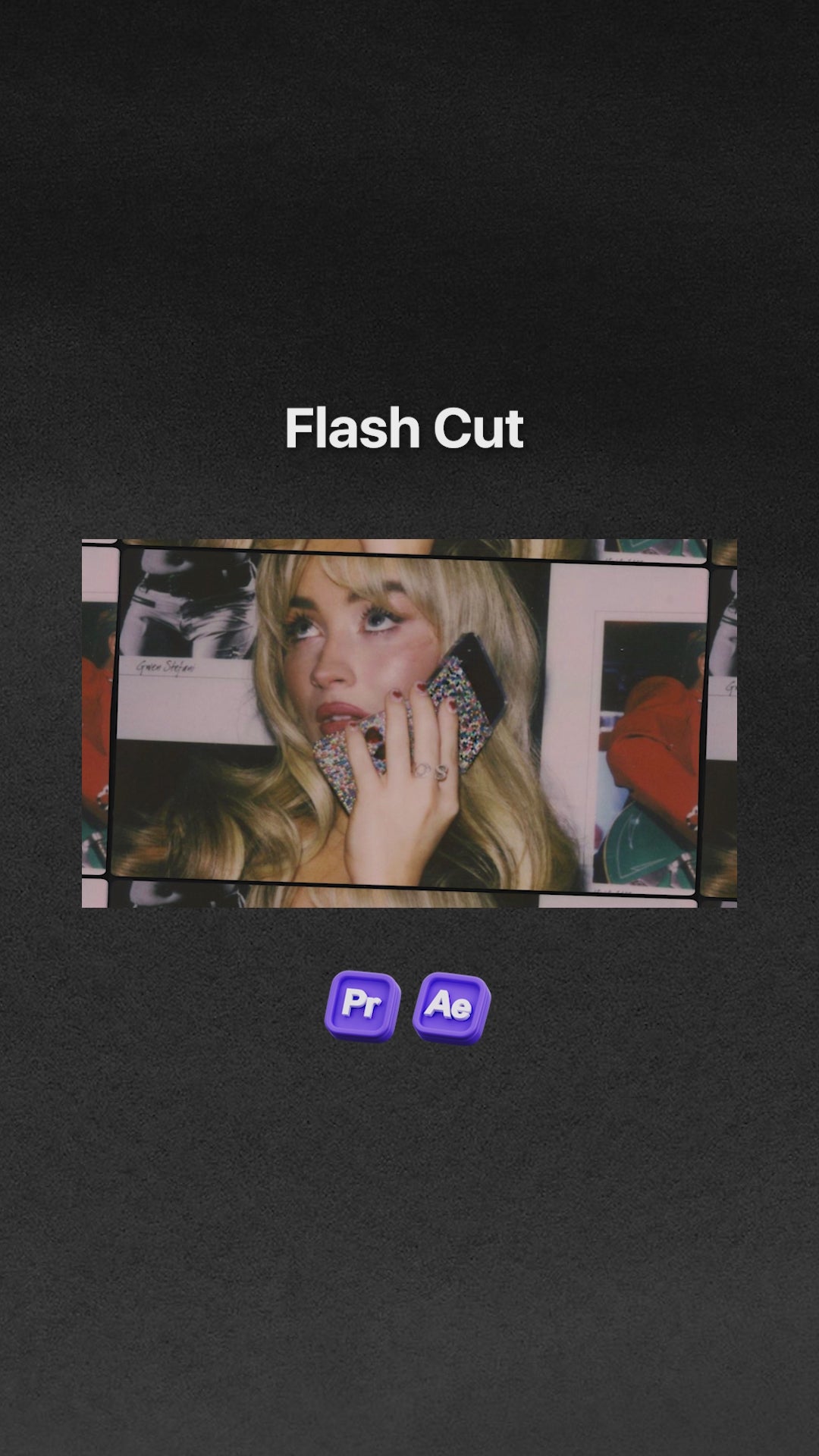
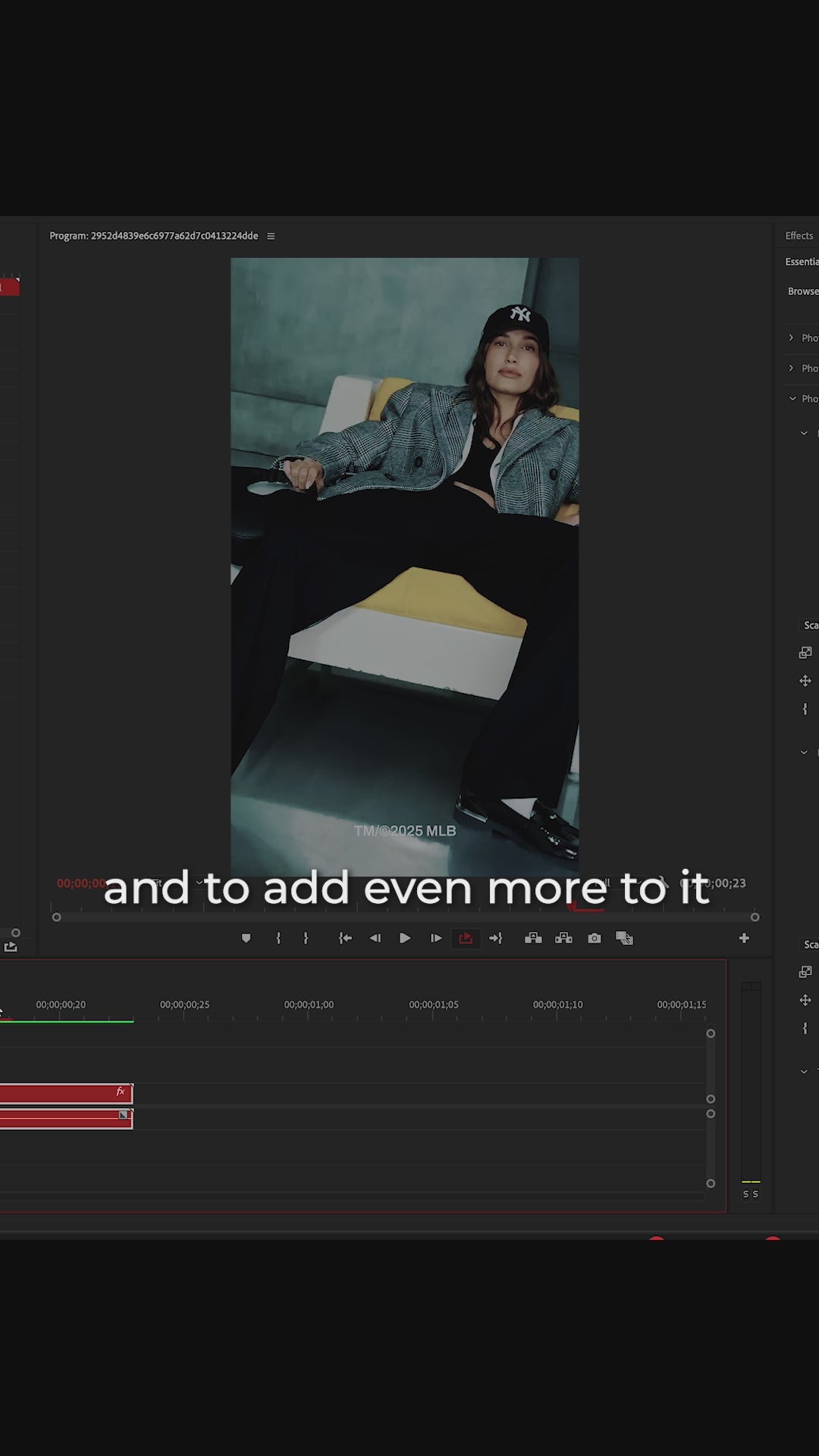
Flash Cut is your go-to editing pack for hypnotic high-energy, fast-paced edits that demand attention. Designed for both Premiere Pro and After Effects, this pack saves you time while delivering professional, stylized results.
What’s Inside:
15 Flash Cut Templates
4K + HD Versions
Horizontal & Vertical Formats
Drag. Drop. Done.
Flash Cut was built with creators in mind. Whether you're a beginner or pro, it’s fully customizable to match your editing style:
Replace images with a simple drag-and-drop.
Remove or swap textures, tapes, and overlays in Premiere Pro.
Reorder animations, change layouts and fully modify in After Effects.
Sound FX included — every template comes with audio pre-designed for maximum impact.
Step-by-Step Video Tutorial
Don’t worry — I’ll walk you through everything. You’ll be up and running in minutes, even if it’s your first time using templates.
Compatible with:
Premiere Pro & After Effects (2022–2026)
Both Mac & Windows
Buy Once. Get Lifetime Updates.
Future updates, added templates, or bonus content? You’ll get it all — free. Forever.
4K & HD resolutions
Horizontal & Vertical formats
Fully Customizable
Easy drag-and-drop templates
Sound design attached to each template
Lifetime free updates
Includes a step-by-step video tutorial to guide you through using the pack.
Flash cut is great! I’m using it right now for a music video
Flash cut is great! I’m using it right now for a music video. The artist wanted to replace a few clips and it worked perfectly to add a faster pace to the video. The only complaint I have is I thought I was receiving the Social Media Flash cut pack when I purchased the picture collage and flash cut bundle. Other than that, I love it!
There’s a special kind of overwhelm that comes with trying to create scroll-stopping edits, especially when your time and energy are limited.
But what if there was a tool that transformed complex visual styles into ready-to-use, drag-and-drop templates?
But Will It Actually Save Me Time?
Here's what one editing session looks like:
Without Flash Cut
With Flash Cut
Find reference videos: 20 minutes
Open template: 10 seconds
Build timing structure: 45 minutes
Drag and drop your images: 30 seconds
Keyframe each effect: 90 minutes
Done ✔️
Add and sync sound: 30 minutes
Adjust both formats: 15 minutes
TOTAL: 3+ HOURS
TOTAL: UNDER 60 SECONDS
You just got 2 hours and 59 minutes back.
Now multiply that by every video you create.
With a pack full of ready-to-go templates, you’ll be able to:
Drag and drop in your images and create flash cut edits in seconds
Make content for any format: horizontal and vertical
Work in 4K or HD, depending on what your project needs
Add extra energy with built-in sound effects
Take a look at everything you’ll get:
Ready to Go Templates
15 high-energy templates built for fast, hypnotic flash cut edits—formatted for both horizontal and vertical orientations. Delivered in 4K and HD, and customizable with drag-and-drop simplicity.
Step-by-Step Walkthrough Tutorial
Not sure where to start? I’ve got you. You’ll get a detailed tutorial where I show you exactly how to use each template inside Premiere Pro & After Effects.
Future Updates, Free for Life
Flash Cut will only get better. You’ll get lifetime access to any future updates or new versions—at no extra cost.
This is for you if…
This product is absolutely for you if:
You love editing but hate wasting time on the technical stuff—you're all about working smarter, not harder.
You want to create fast-paced, eye-catching visuals without spending hours building effects from scratch.
You care about quality and creativity, but you also want templates that are easy to use and actually fun to play with.
You’re tired of complicated setup, you just want to drag, drop, and bring your vision to life.
The Collage Cut Bundle gives you both of my editing packs — Picture Collage Effects + Flash Cut — designed to save you time, level up your edits, and make your content stand out instantly.